



How to Reset a Mazda Infotainment Screen
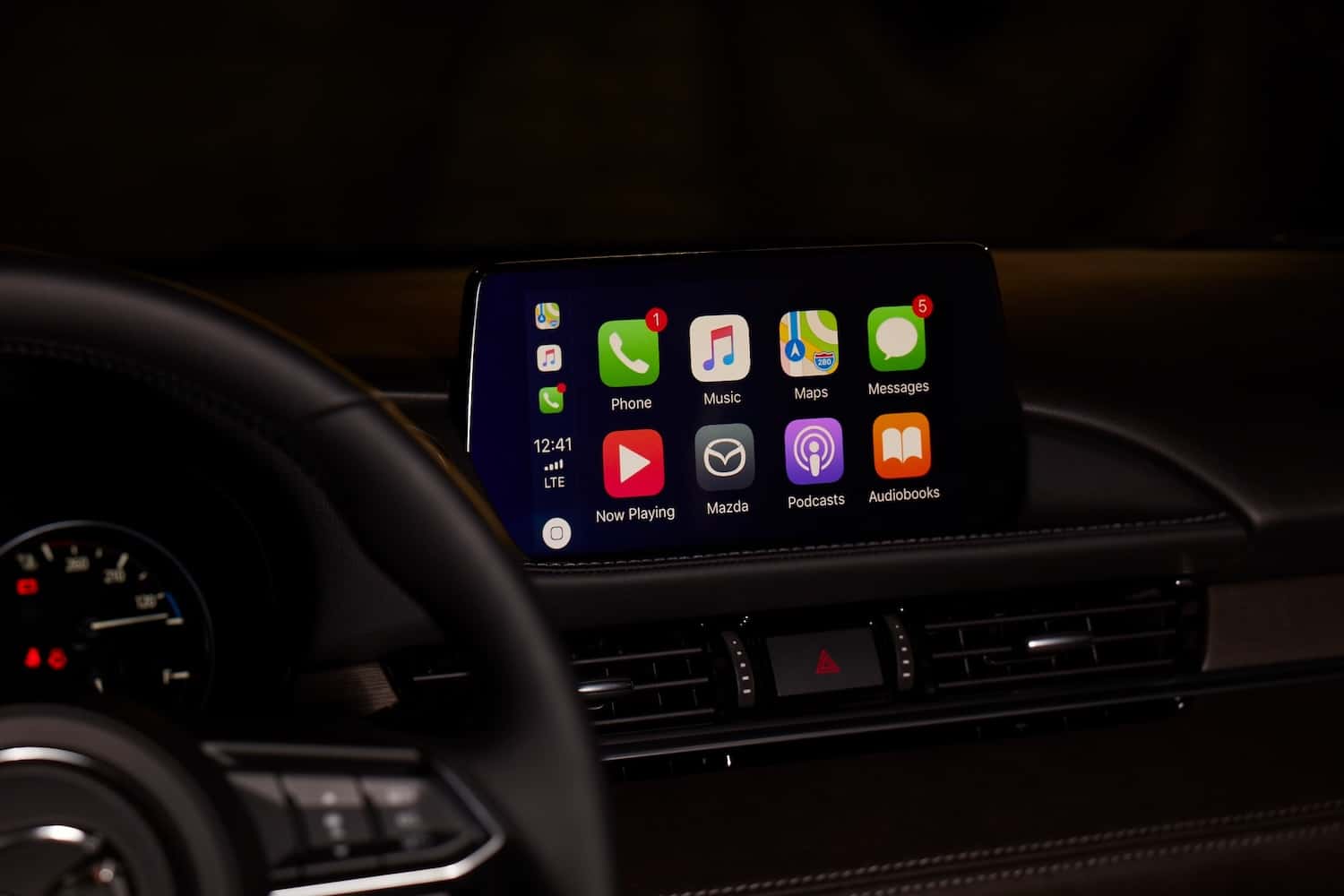
Is your Mazda infotainment screen refusing to load, stuck, or not responding as it should? Mazda designed its infotainment system to keep you connected and in control behind the wheel. When dealing with a blank display, lagging performance, or unresponsive touch controls, knowing how to reset a Mazda infotainment screen can save you time and inconvenience. It may require a simple reboot to get your system operating effectively again. But how do you know if it needs a soft reset or a complete restart?
In this easy-to-follow guide, we’ll walk you through how to properly reset your Mazda’s infotainment system. We’ll also answer common questions to help you troubleshoot the issue. Whether you need a soft reboot or a full reset, we’ll help you get connected.
Understanding Your Mazda Infotainment System
Mazda designed its infotainment system, Mazda Connect, to provide integrated control over navigation, vehicle settings, media, and smartphone connectivity. Understanding how it functions can help you make the most of its capabilities and troubleshoot minor issues when they present. Mazda’s infotainment technology typically includes a touch-screen display and available voice control. Depending on the Mazda model you drive, you have access through voice commands, your Mazda’s steering buttons, and a center console knob.
Like any digital interface, occasional issues occur. You can often resolve temporary Mazda Connect problems with a simple infotainment reboot. Before learning how to reset your Mazda’s infotainment screen, exploring your system’s menu settings in the manufacturer’s manual and understanding the difference between a soft reboot and a factory reset is helpful. A reboot preserves your saved preferences, while a factory reset clears all stored data and returns the system to default settings.
Diagnosing Infotainment Screen Problems
Diagnosing infotainment screen problems in your Mazda starts with observing how the system behaves from the moment you start the vehicle. If the screen powers on but fails to load fully or reacts slowly to input, it could be a temporary processing delay due to system overload. This often occurs when the vehicle starts up in extreme temperatures, which can temporarily impact electronic components.
If the system is operating, but the screen is blank, you may need to replace the screen. The snag may be hardware-related, such as a loose connection or internal screen fault. This is common when there’s visible flickering, discoloration, or intermittent blackouts. Physical damage or water exposure may also contribute to erratic screen behavior, so consider recent incidents that may have affected your Mazda’s cabin.
Pay attention to any error messages or irregular startup patterns, as these can offer clues about what’s wrong. If the Mazda logo appears but the system stalls at the loading screen, the unit may be caught in a boot loop, which typically requires a visit to the service center. Consider how recently the issue began and if it followed any updates, aftermarket installations, or unusual battery behavior. Documenting these details can help pinpoint the cause and will be useful information to share with a service technician if further assistance is required.
Step-by-Step Guide to Resetting a Mazda Infotainment Screen
If you’ve diagnosed your Mazda’s infotainment screen problems and established that a quick reset may help restore normal functionality, you require no tools or special equipment.
Here are a few preliminary considerations before performing a factory reset:
- Consult your owner’s manual for specific instructions for your Mazda model.
- Check your Mazda’s battery. It can cause infotainment issues if running low.
- Ensure the software on your infotainment system is up to date.
- Disconnect any electronics, including smartphones.
Here’s how to reset your Mazda infotainment screen:
- Start your Mazda and confirm that your infotainment screen comes on.
- Locate the settings menu.
- Select the settings button/option.
- Navigate to Restore Factory Settings.
- Select this button/option to restore the default settings on your infotainment system.
- Confirm the factory reset by following the prompts on the screen and selecting Confirm Reset.
When the reset is complete, wait a few moments while the infotainment system reboots.
Advanced Troubleshooting
If a reset doesn’t fix your infotainment system, there are important questions you should answer.
Is Your Infotainment System Running the Latest Software?
If your infotainment’s operating software is outdated, it may trigger performance issues, such as freezing or unresponsiveness. This is a good time to visit an authorized Mazda service center.
Are Your Smartphone Apps Causing the Problem?
Sometimes, a connected smartphone or outdated app can create compatibility issues. Try pairing a different device or using the system without a phone connected to see if the problem persists.
Have You Tried a Soft Reset Using Physical Buttons?
In some Mazda models, holding the Mute, Nav, and Back buttons for a few seconds triggers a manual reboot. This quick trick may help if the screen is completely unresponsive.
Restore Your Mazda Infotainment Fast at Sport Mazda North
Resetting your Mazda’s infotainment system is as simple as pressing and holding a few buttons for 10 seconds. This easy soft reset can solve common Mazda Connect problems, such as unresponsive or delayed screens. If you’re dealing with a Mazda infotainment issue and aren’t sure what to do next, our service center is ready to step in. Schedule a service online or visit us at Sport Mazda North in Longwood, Florida.
0 comment(s) so far on How to Reset a Mazda Infotainment Screen